Duplicate detection
Duplicate files appear quickly. A document arrives by email, gets uploaded again later, or another team member files the same file a second time. Without a warning, this often becomes visible only after several copies already exist.
Duplicate detection in SimpleDMS makes these cases visible early. When a file is processed in the inbox, SimpleDMS shows matching documents. This helps you decide right away whether another copy is needed.
Everyday problem
Duplicates cost time and create uncertainty. For invoices, contracts, and receipts, it is often unclear which copy was already processed and which version should be used.
This happens easily in small teams because documents arrive through several channels. One person saves an email attachment, another uploads the same file again through the inbox.
How SimpleDMS solves this
Notice during processing
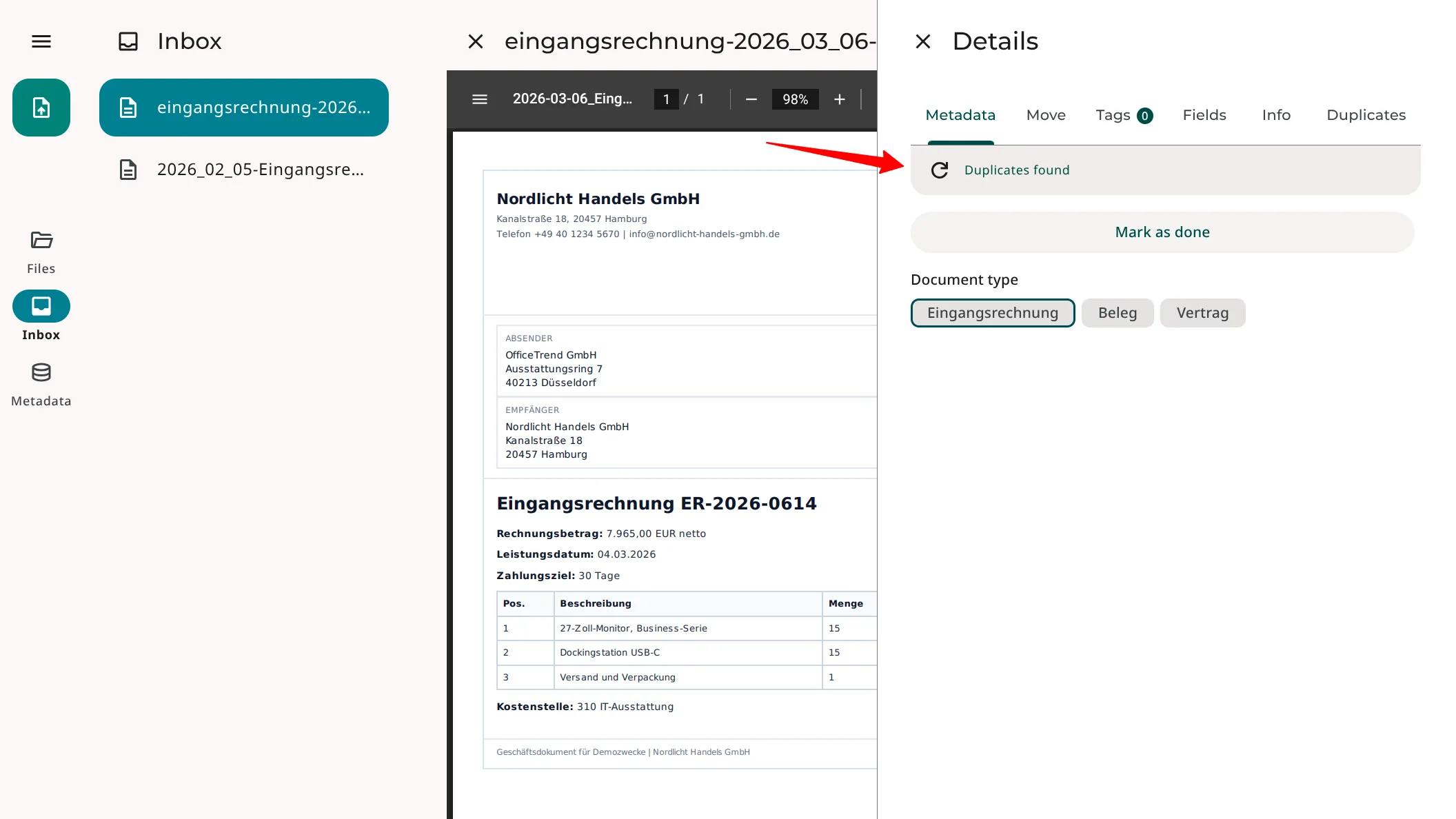
SimpleDMS detects duplicate files directly in the inbox. In the «Metadata» tab, you can see whether duplicates already exist for the current file.
This lets you check the case before spending time on unnecessary filing.
Compare existing copies
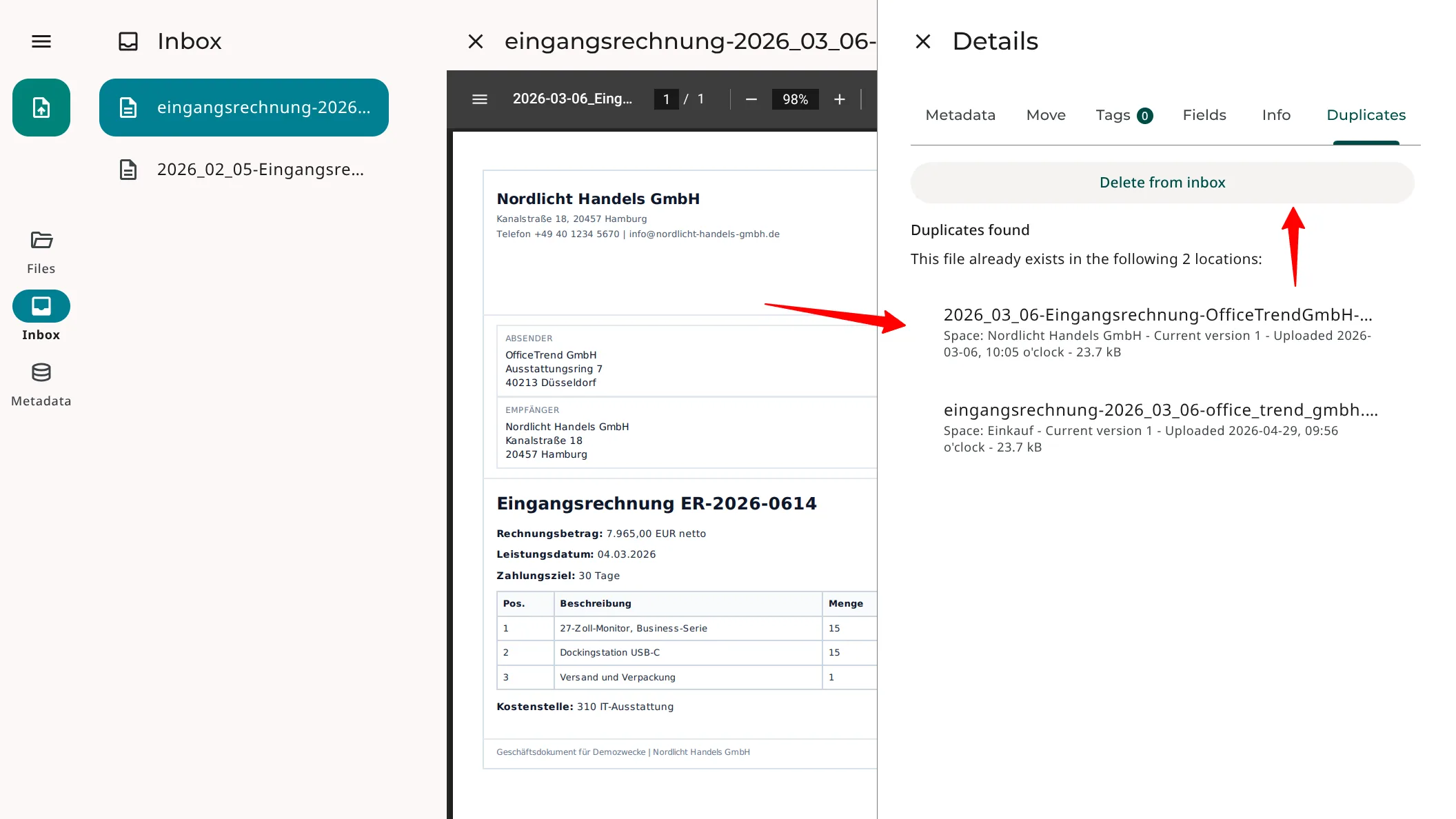
The «Duplicates» tab shows matching documents. You can immediately see where the same file already exists and use the existing filing instead of creating another copy.
This keeps the collection cleaner and reduces search effort later.
Value for teams
Duplicate detection improves filing quality. Fewer duplicate files mean fewer follow-up questions, fewer misleading search results, and less risk of continuing work with the wrong copy.
In daily work, teams check new documents faster, keep existing copies visible, and maintain a more reliable shared collection.
More information