WebDAV upload
Send scans directly to the inbox
WebDAV is a standard for transferring files over a network. It connects scanners, multifunction printers, desktop applications, and scripts to the inbox of a Space. Files reach the right place without a detour through a browser.
Try free for 30 days Set up WebDAV
Full range of functions, free for 30 days. No credit card required.
File transfer without a browser
Not every device works with a web upload. Scans or exported files often have to be saved locally first and then uploaded manually to a document management system.
WebDAV gives these devices and applications a direct upload target.
Suitable for
- Scanners
- Multifunction printers
- Desktop applications
- Scripts
A direct route to the right inbox
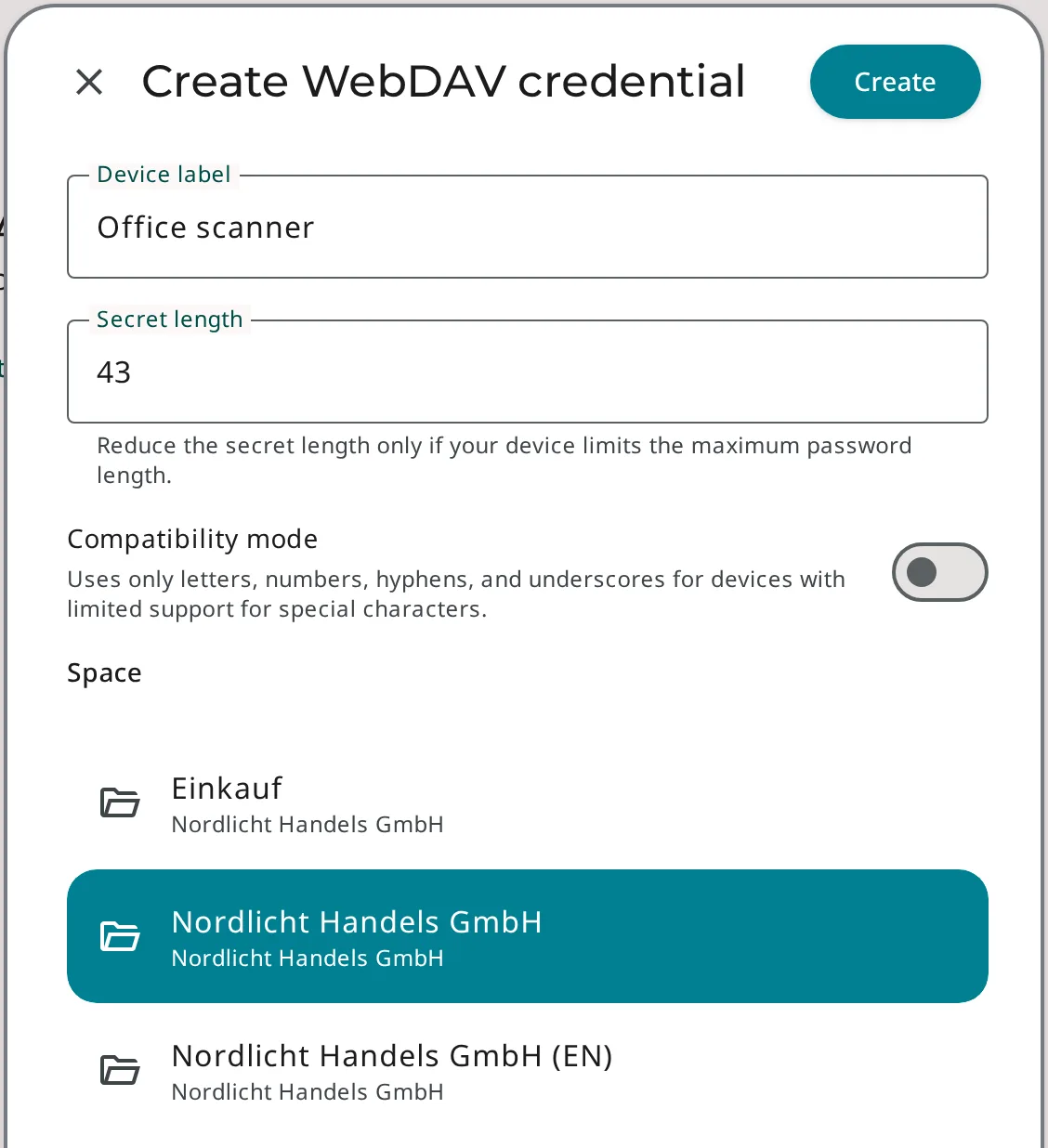
- Choose a Space You choose a Space as the target for the device or application.
- Scan or export The device or application creates a file as usual.
- Transfer over WebDAV The file goes directly to SimpleDMS, without local storage and browser upload.
- Process in the inbox Each upload arrives in the Space inbox and is ready for tagging.
Fewer steps before processing
For recurring documents
The direct transfer makes document intake easier, especially for devices and applications that produce new files regularly.
Separate credentials per device
Each device gets its own credentials, and your account password is not used. You can block a single device without setting up the others again.
Upload only
The WebDAV connection cannot display, download, or delete documents. A device can only hand over new files.
Continue in the inbox
In the inbox, you process uploads in batches, with metadata suggestions and duplicate detection.
Learn moreFrequently asked questions
Which devices & applications work?
Any that support WebDAV over HTTPS with a username and password and can reach your SimpleDMS installation over the network. Your device's manual or scan settings tell you whether it supports WebDAV.
Can I upload to subfolders over WebDAV?
No. Files arrive directly in the inbox of the selected Space. For another Space, you create separate credentials.