List & table views
SimpleDMS shows documents as a readable list or a compact table. You choose the view that fits the current task.
Two Views for Different Tasks
Document work is not always the same. Sometimes each entry needs more room, so you can identify the right document quickly. Sometimes the overview matters more, and you want many documents on screen at once.
The list view keeps entries easy to read. The table view shows more entries in less space.
List View
Use the list view for focused browsing, readable search results, and smaller document sets where orientation matters more than density.
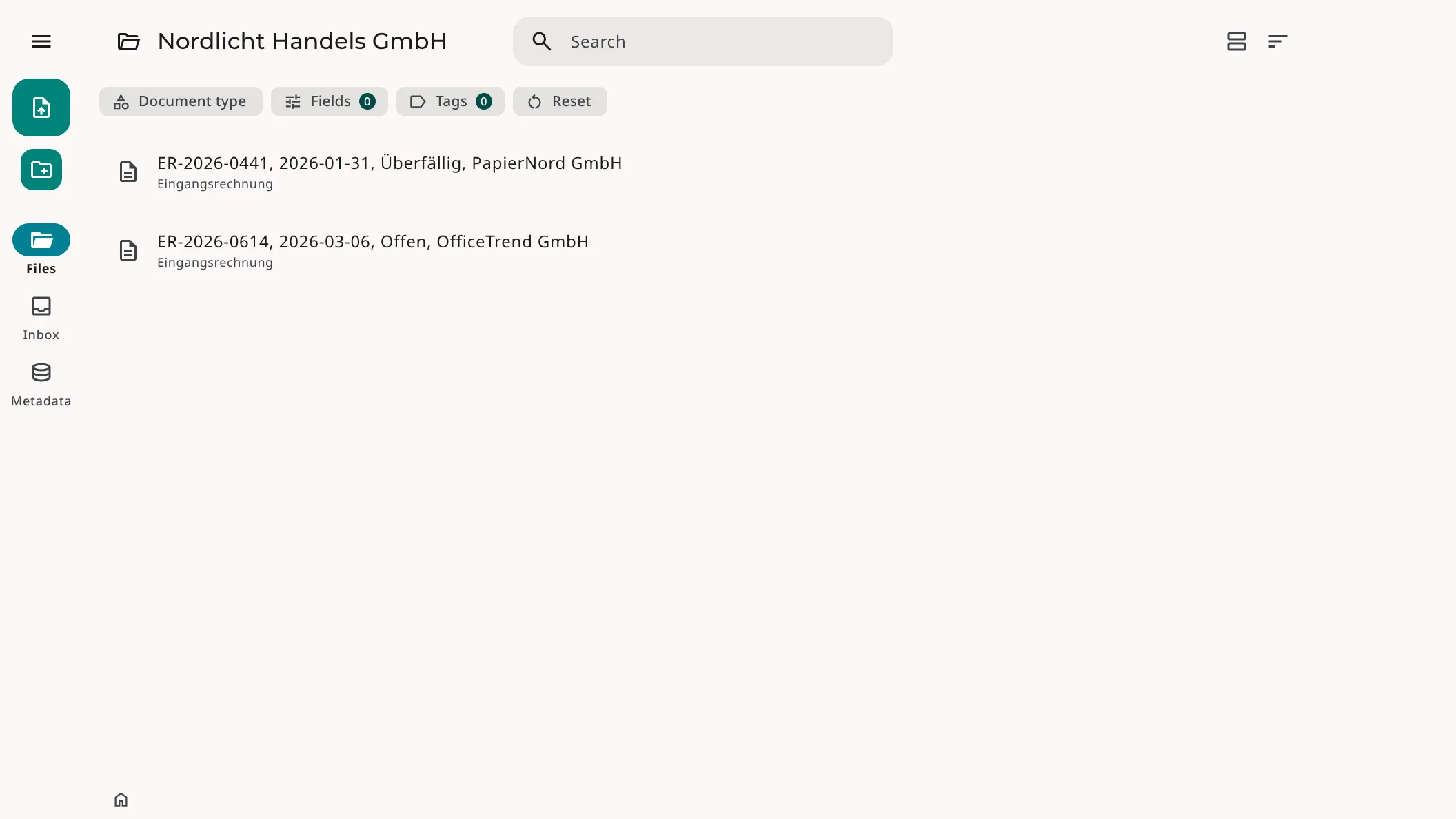
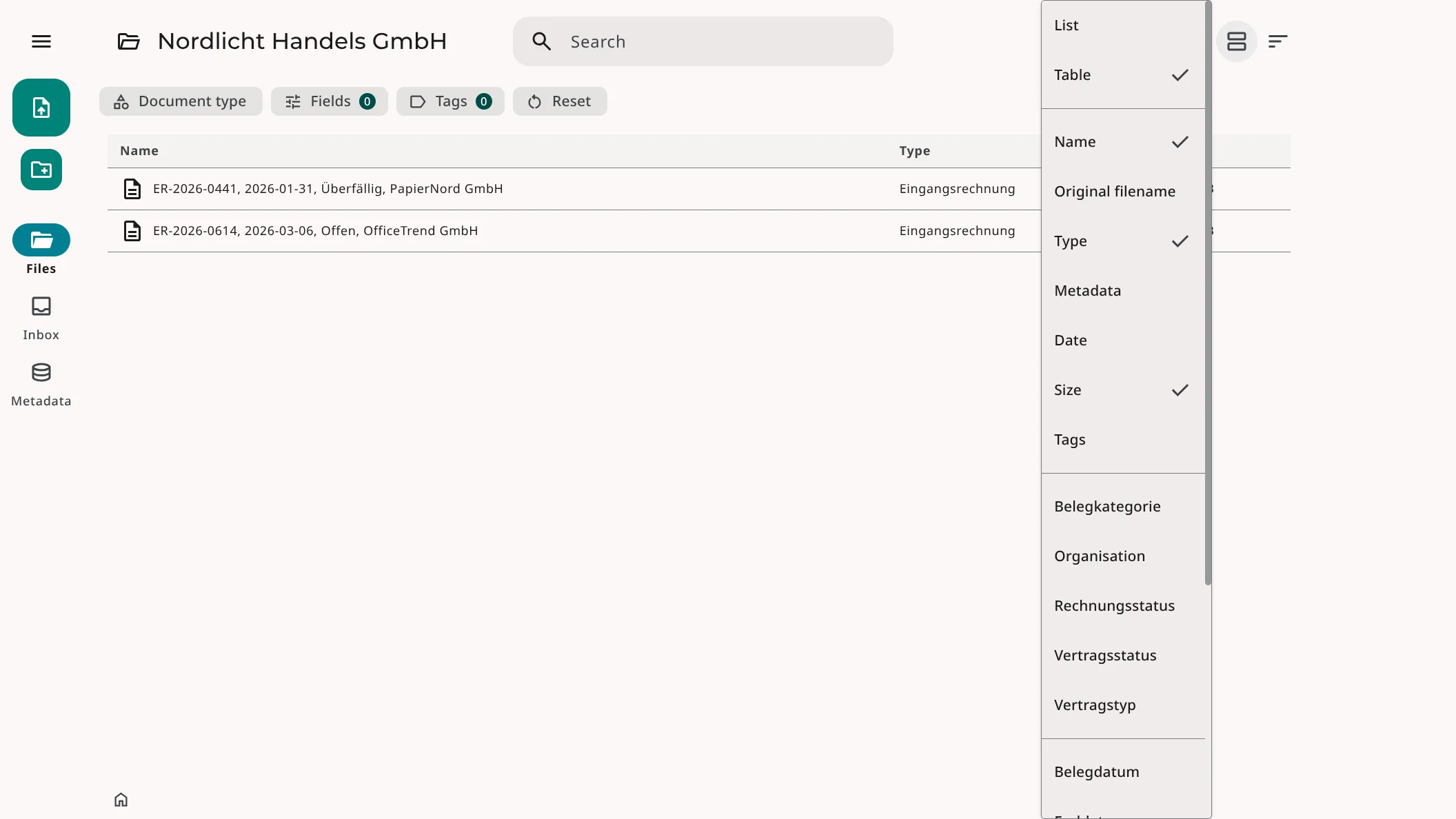
Table View
Use the table view for compact overviews, larger result sets, and quick comparisons. More documents stay visible, so you need less scrolling.
How It Works
Open a document collection, search result, or filtered view in SimpleDMS. Select the list view for larger entries or the table view for a denser overview.
In the table view, configure the visible columns to match the information you need. Filters, search results, and documents remain available when you switch. Only the presentation changes.
More information